01
Identify the vehicle
Define where and how the licence plate is captured.

Bring recognition hardware, access decisions and your parking platform into one clearly defined entrance workflow.
Discuss your entrance →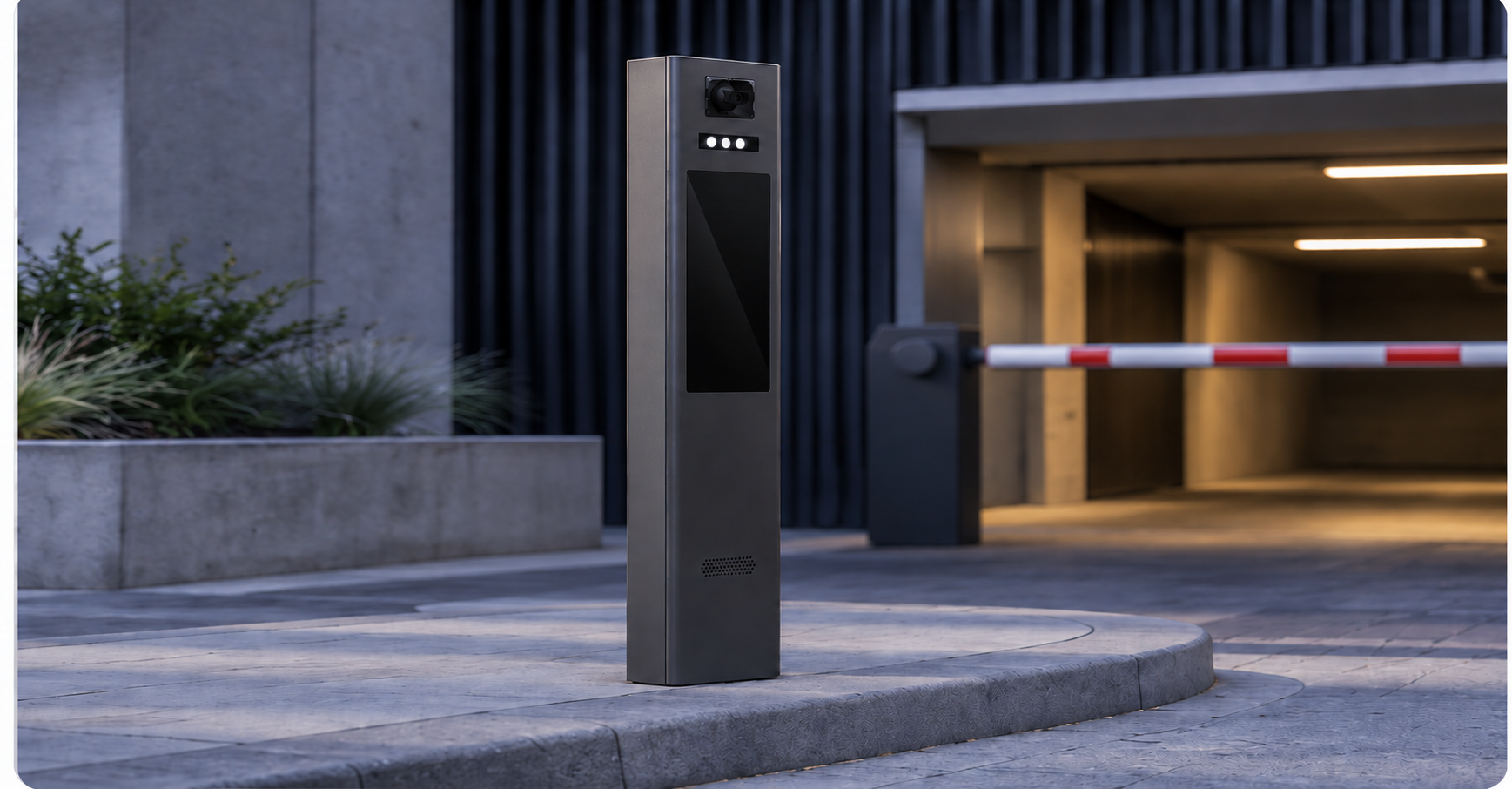
Use this sequence to plan the system. The exact functions depend on the equipment and integration selected.
Define where and how the licence plate is captured.
Agree which system checks bookings, permits or other access rules.
Decide whether on-screen instructions are needed at the entrance.
Agree who sends the opening command and how the outcome is recorded.
Identify the source of access permissions and who controls the barrier. Define who maintains each part of the system.
Confirm the supported interfaces, required data fields and update direction with the product documentation and platform provider.
Agree the expected behaviour during a connection failure and how access is restored. Do not assume offline access without confirming the configuration.
Check lane layout, camera placement, power, network, mounting and environmental requirements.
Agree who manages vehicle data, retention settings and authorised access to the system.
Test authorised and unauthorised vehicles, recognition exceptions, barrier response and interruption recovery before handover.
Share the following with Bluecard so the first discussion can focus on your site.
Compatibility depends on the equipment, available interfaces and the platform. Share your platform name and integration requirements so the connection can be reviewed.
Confirm the exact configuration and its behaviour during an interruption. Discuss access decisions, stored permissions and recovery before committing to an offline requirement.
Define a fallback with the site operator, such as an assistance process or an alternative access method supported by the chosen setup.
Start with lane layout, stopping positions, lighting, display needs and your existing systems. Request the current product documentation to confirm technical requirements.
Start with your lane layout and driver information needs. Then confirm the equipment and configuration.
Tell us about your site and existing systems. We can discuss the equipment and the connections your project needs.
Discuss your entrance →Your email app opens. Add the project details you wish to share; nothing is sent automatically.